![PP LOGO.svg]](https://help.piranhaprofits.com/hubfs/PP%20LOGO.svg)
To check the expiration date of your Playbook subscription - Ultimate Investors Playbook (UIP), Options Tactics Playbook (OTP), or PAM Trader Playbook (PTP) - please follow the steps below:
STEP 1
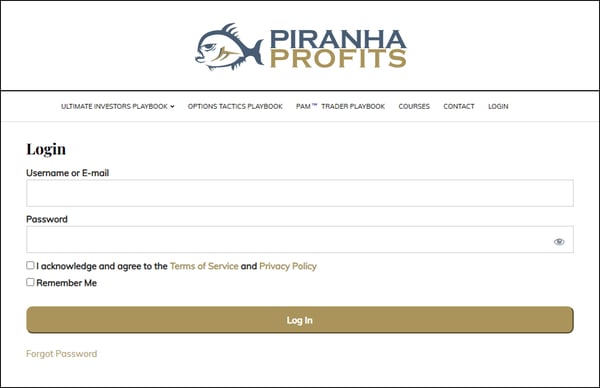
- Log in to your account at https://insight.piranhaprofits.com/login/.
(If you have forgotten your password, click on "Forgot Password" below the "Log In" button.)
STEP 2
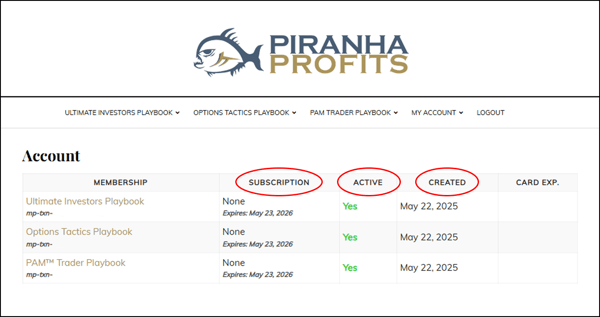
- From the drop-down menu at the top of the page, select "MY ACCOUNT", then click on "MY SUBSCRIPTIONS".

STEP 3
- You can now view your Playbook’s purchase date, expiration date, and current subscription status.
💡 If you require any further assistance, please do not hesitate to contact us at support@piranhaprofits.com.