![PP LOGO.svg]](https://help.piranhaprofits.com/hubfs/PP%20LOGO.svg)
Step 1: Log in to your account at https://login.piranhaprofits.com/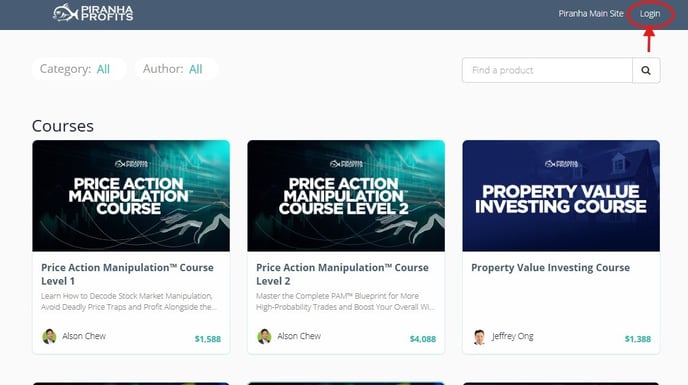
Step 2: Enter your enrolled email address and password.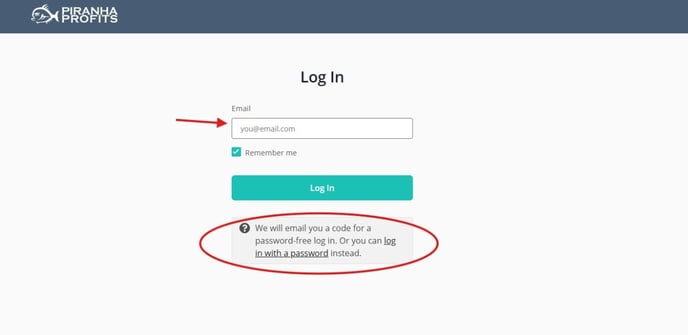
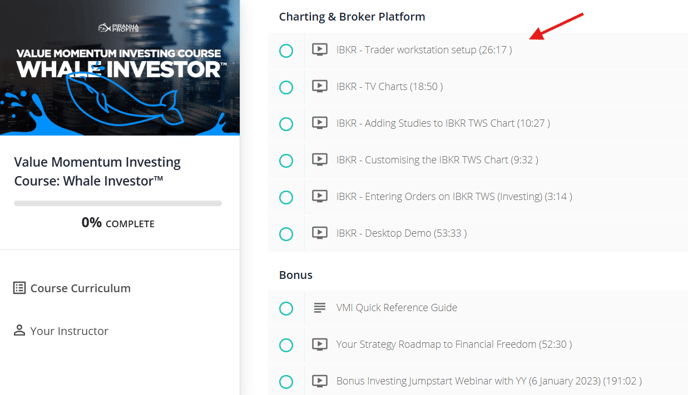
Step 3: Go to the Value Momentum Investing Course: Whale Investor under the Charting & Broker Platform section, where you'll find the IBKR - Trader Workstation setup.
If you need any further assistance, do not hesitate to contact us via support@piranhaprofits.com, and our team will be at our best to assist you.